You do not have studio monitors or a treated room, just a good pair of headphones. And everyone keeps telling you that you cannot get a professional mix that way.
Worse, your mixes seem to prove them right. They sound great in your headphones, then fall apart the moment they leave your ears.
The bass vanishes, the vocal shifts, and the whole balance changes on a car stereo or a phone.
Here is the truth: you absolutely can mix professional records on headphones.
You just have to understand how they lie to you and set up a few things to correct for it.
This guide covers exactly that, from correction software to the panning and referencing habits that make a headphone mix translate.
TL;DR
- Yes, you can mix pro on headphones. Plenty of hit records are made this way.
- Use open-back headphones and learn them with a reference playlist of songs you know inside out.
- Add correction software like Sonarworks or Waves Nx to flatten the response and add crossfeed.
- Avoid hard panning, since headphones exaggerate width and it will not translate to speakers.
- Reference and test everywhere. Check the mix on a phone, laptop, earbuds, and a car.
Keep reading for the full setup, the low-end trick, and the habits that make headphone mixes translate.
Why Mixing on Headphones Is Tricky
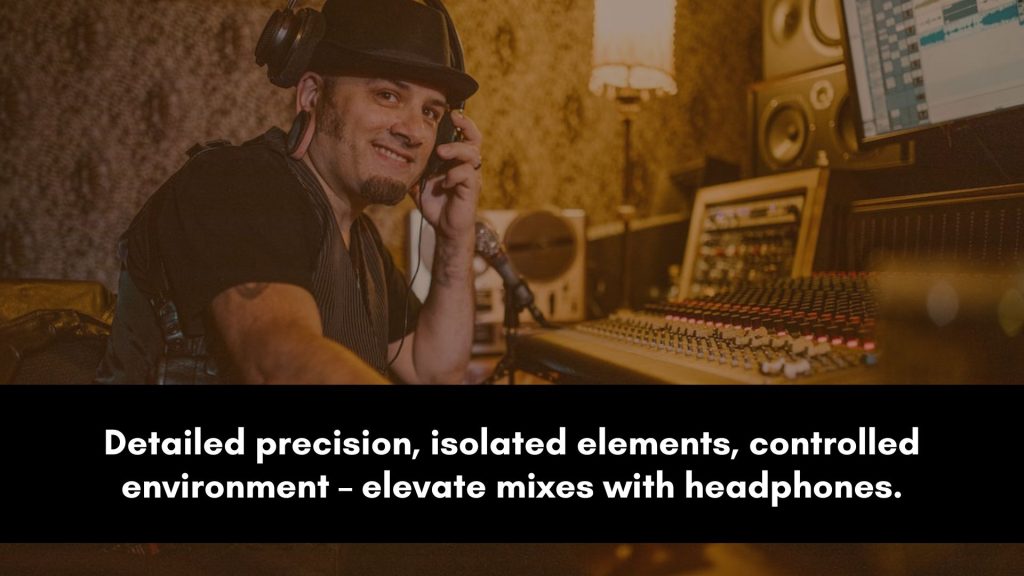
Headphones fire sound directly into your ears with no room and no crossfeed, which is both their strength and their weakness.
That directness is why they reveal so much detail, but it also creates a handful of predictable problems.
Knowing each one is half the battle, because every one has a fix.
| Challenge | Why it happens | The fix |
|---|---|---|
| Hyped or weak bass | The headphone response colors the low end | Correction software plus reference tracks |
| Exaggerated stereo width | Each ear hears only one channel | Crossfeed plugin, avoid hard panning |
| The “in your head” feel | No crossfeed like speakers provide | Crossfeed or room-simulation software |
| Ear fatigue | Sound fires straight into your ears | Lower levels and frequent breaks |
| Over-detailing | Headphones magnify tiny flaws | Reference often, resist over-tweaking |
None of these are dealbreakers.
They are just quirks to account for, and once your setup and habits address them, headphones become a genuinely reliable tool.
If you are still deciding whether to invest in monitors as well, the full comparison lives in mixing on headphones vs monitors.
Choose Open-Back Headphones and Learn Them
Not all headphones are built for mixing.
Consumer models hype the bass and treble to sound exciting, which is exactly what you do not want when you are making decisions.
You need a pair that is as flat and neutral as possible.
Open-back headphones are the popular choice for mixing because their neutral midrange and natural, open sound feel a little more like speakers than closed-back models do.
Whatever you choose, the more important step is to learn them deeply.
Build a reference playlist of songs you know inside out in the genres you work in, and listen to them on your headphones constantly.
Over time you will learn exactly how your pair colors the sound, which lets you mentally correct for it.
Flatten the Sound With Correction Software
Correction software is the single biggest upgrade you can make to a headphone setup.
It measures the known response of your specific headphones and applies an inverse EQ, flattening the sound so you hear something much closer to neutral.
This removes most of the guesswork about how your headphones are lying.
Tools like Sonarworks Reference and Waves Nx are the standards.
Beyond flattening the response, the best of them add crossfeed, which mimics the way each speaker reaches both ears in a real room.
Waves Nx in particular recreates the depth, natural reflections, and stereo imaging of high-end monitors in a treated space, which directly attacks the “in your head” problem.
Loading correction software is the closest you can get to a calibrated room without owning one.
Getting the Low End Right
The low end is the hardest thing to judge on headphones, and it is where most headphone mixes go wrong.
Headphones do not move air against your body, so you never feel the bass, and their response often exaggerates or hides it.
That combination leads to over-cutting or over-boosting the low end.
Correction software helps, but referencing is essential.
Compare your low end constantly against commercial tracks you trust, and check the mix on a system with real speakers whenever you can, even a car.
A spectrum analyzer is also useful here, since it gives you a visual check on the bass your ears cannot fully trust.
The harmonic tricks that keep bass audible on any system are covered in mixing bass for small speakers.
Panning and the “In Your Head” Problem
On speakers, both ears hear both channels, so the stereo image feels natural and out in front of you.
On headphones, each ear hears only its own channel, which pushes the image unnaturally wide and makes everything feel like it is happening inside your skull.
The practical fix is to go easy on hard panning.
Keep most elements at least partly present in both channels so the mix sounds natural and translates to speakers, where extreme headphone widths collapse.
Crossfeed software helps here too, pulling the image out of your head and into a more speaker-like space.
The deeper logic of placing sounds across the stereo field is in audio panning secrets.
Reference and Test on Real Systems
No mix is finished until it passes the translation test.
People do not listen on studio headphones, they hear music on laptop speakers, Bluetooth earbuds, phones, cars, and party systems.
Your job is to make sure the mix holds up on all of them.
Reference tracks are your anchor throughout the process.
A song you know well, in your genre, tells you instantly whether your balance, brightness, and low end are in the right ballpark, correcting for whatever your headphones are doing.
Getting the most out of that habit is a skill in itself, walked through in how to use reference tracks when mixing.
Then bounce the mix and play it everywhere before you call it done.
Manage Levels and Ear Fatigue
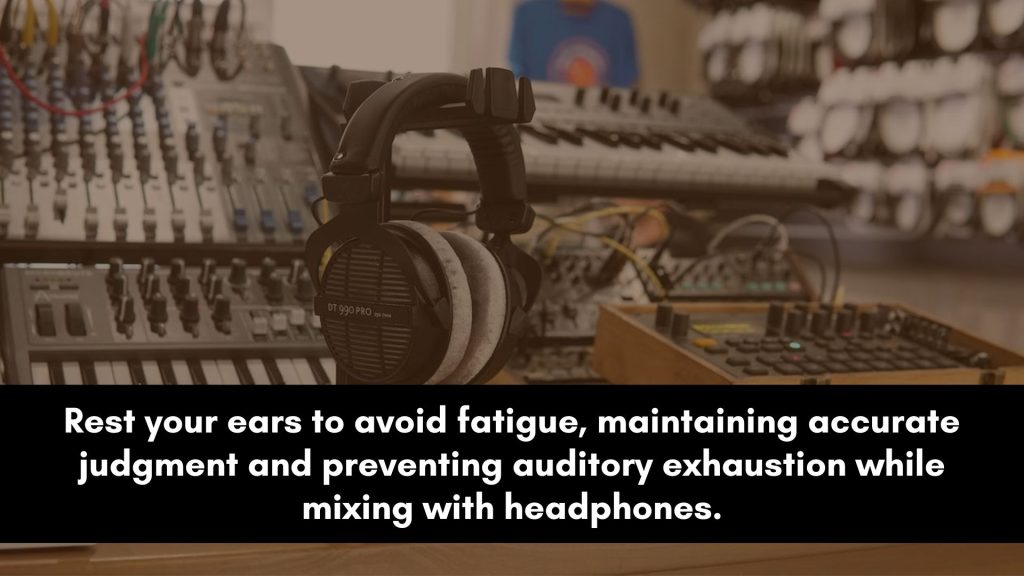
Headphones tire your ears faster than speakers because the sound has nowhere to go but into them.
The longer you mix, the more the tendency is to creep the volume up, which speeds up fatigue and dulls your judgment without you noticing.
Mix at a lower, consistent level to keep your ears honest and protect your hearing over long sessions.
Take regular breaks to reset, and make your most important balance decisions early, while your ears are fresh.
A tired mixer makes loud, harsh mixes, so stepping away is a real technique, not a luxury.
3 Common Mistakes
A few habits sink more headphone mixes than any gear limitation. Avoid these three and the setup above does its job.
1. Trusting the bass blindly. Headphones misrepresent the low end more than anything else.
Never judge bass on headphones alone, always reference and check on speakers.
2. Hard-panning everything. Extreme width sounds great in headphones and collapses on speakers.
Keep most parts partly in both channels.
3. Mixing too loud for too long. Volume creep fatigues your ears and ruins your decisions.
Mix quiet, take breaks, and commit the big moves while fresh.
Frequently Asked Questions
The questions below come up whenever producers mix on headphones. Short, direct answers follow.
Can you get good mixes with headphones?
Yes, absolutely. Plenty of professional, chart-topping records have been mixed entirely on headphones.
The keys are using a flat, neutral pair, adding correction software to flatten the response and add crossfeed, avoiding hard panning, and referencing commercial tracks constantly.
Headphones remove the room from the equation, which is actually an advantage if you do not have a treated space.
With the right setup and habits, a headphone mix can absolutely compete.
What volume should I mix with headphones?
Lower than feels natural and consistent throughout the session. A good guideline is a level where you could comfortably hold a conversation over the music.
Mixing quietly protects your hearing, keeps your ears from fatiguing, and actually leads to better balance decisions, since loud playback flatters a mix.
Resist the urge to creep the volume up as you work, and take regular breaks to reset your ears.
Are open-back or closed-back headphones better for mixing?
Open-back headphones are generally preferred for mixing.
Their neutral midrange and natural, open sound feel closer to listening on speakers, which helps your mixes translate.
Closed-back headphones isolate better and are great for tracking and detailed editing, but they can sound boxier and more trapped inside your head.
Many engineers use open-back for mixing decisions and keep a closed-back pair for tracking and spotting fine detail.
Do I need headphone correction software?
You do not strictly need it, but it is one of the most valuable upgrades for headphone mixing.
Correction software like Sonarworks or Waves Nx flattens your specific headphones’ response and often adds crossfeed to mimic speakers.
This removes much of the guesswork about how your headphones color the sound, and it directly reduces the “in your head” effect.
If you mix primarily on headphones, it is well worth the cost.
Why does my headphone mix sound bad on speakers?
Usually because of the low end and the stereo width, the two things headphones misrepresent most.
Headphones can hide or hype bass, so your levels are off, and their exaggerated width leads to hard panning that collapses on speakers.
Fix it by using correction software, referencing commercial tracks, keeping panning conservative, and checking the mix on speakers and other systems throughout, not just at the end.
How do I test if my mix translates?
Play it everywhere your listeners will.
Bounce the mix and check it on a phone speaker, laptop, Bluetooth earbuds, and a car since each reveals different problems.
Compare it to a commercial reference track on the same systems. If the balance, low end, and vocal all hold up across those devices, the mix translates.
This step is non-negotiable when you mix on headphones, since your monitoring is only one perspective.
The Bottom Line
Headphones are not a compromise, they are a capable mixing tool once you account for their quirks.
Choose a flat, open-back pair and learn it, add correction software to flatten the response and add crossfeed, keep the panning conservative, and reference commercial tracks throughout.
Above all, test the mix on real speakers and everyday devices before you finish.
Do that, and the fact that you mixed on headphones will be invisible to everyone but you. The gear was never the barrier, the habits are what make the mix.